

iSmartGate PRO for installers: smart access for multiple garages and gates, residential and commercial
Multiple access points, one system
Not every garage or gate stands alone. In detached homes with a separate garage and driveway gate, in multi-family buildings with shared access, and at business locations with multiple entrances, the same problem tends to come up: several separate systems, each with its own remote, with no central overview. For installers, that means multiple site visits for something as simple as adding a new user.
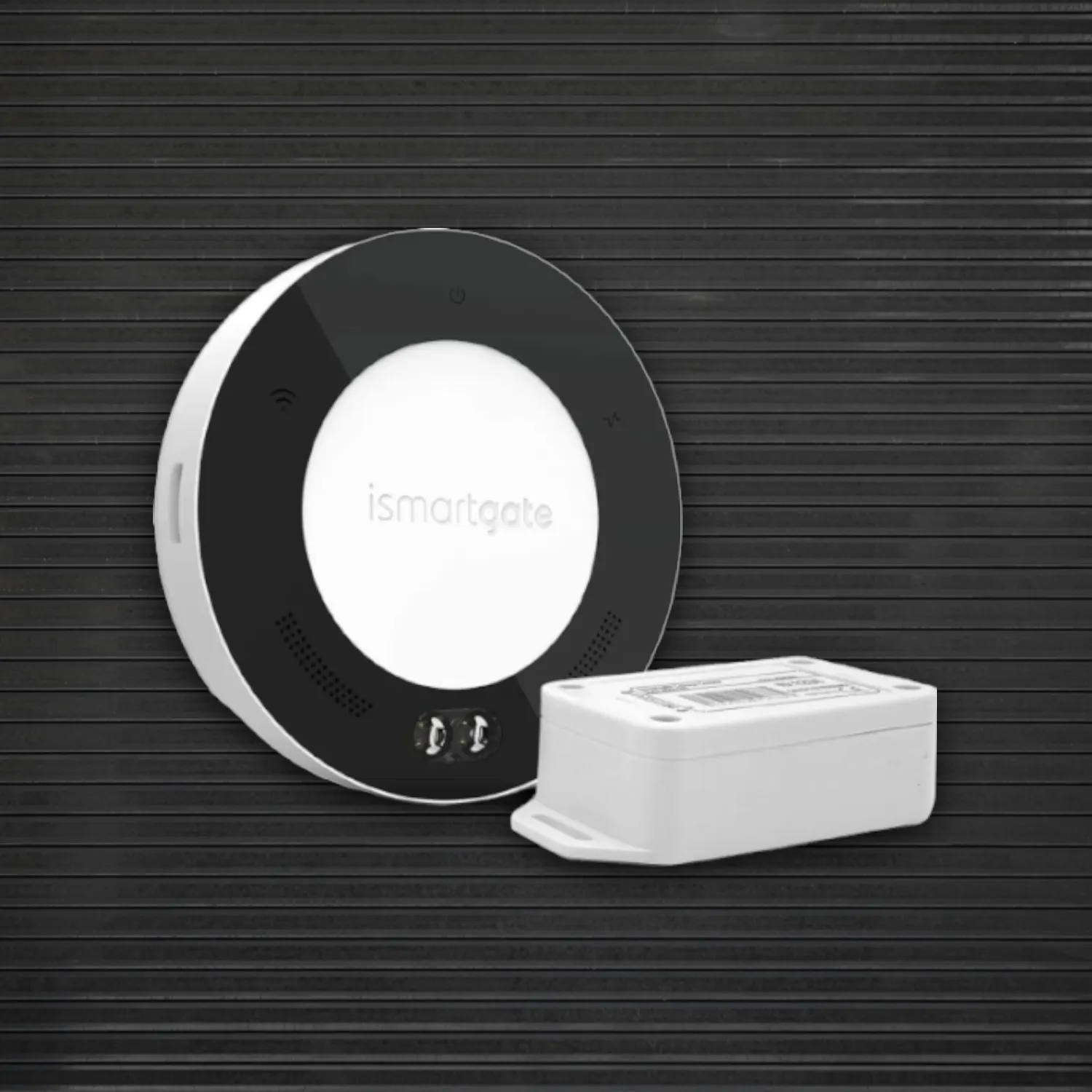
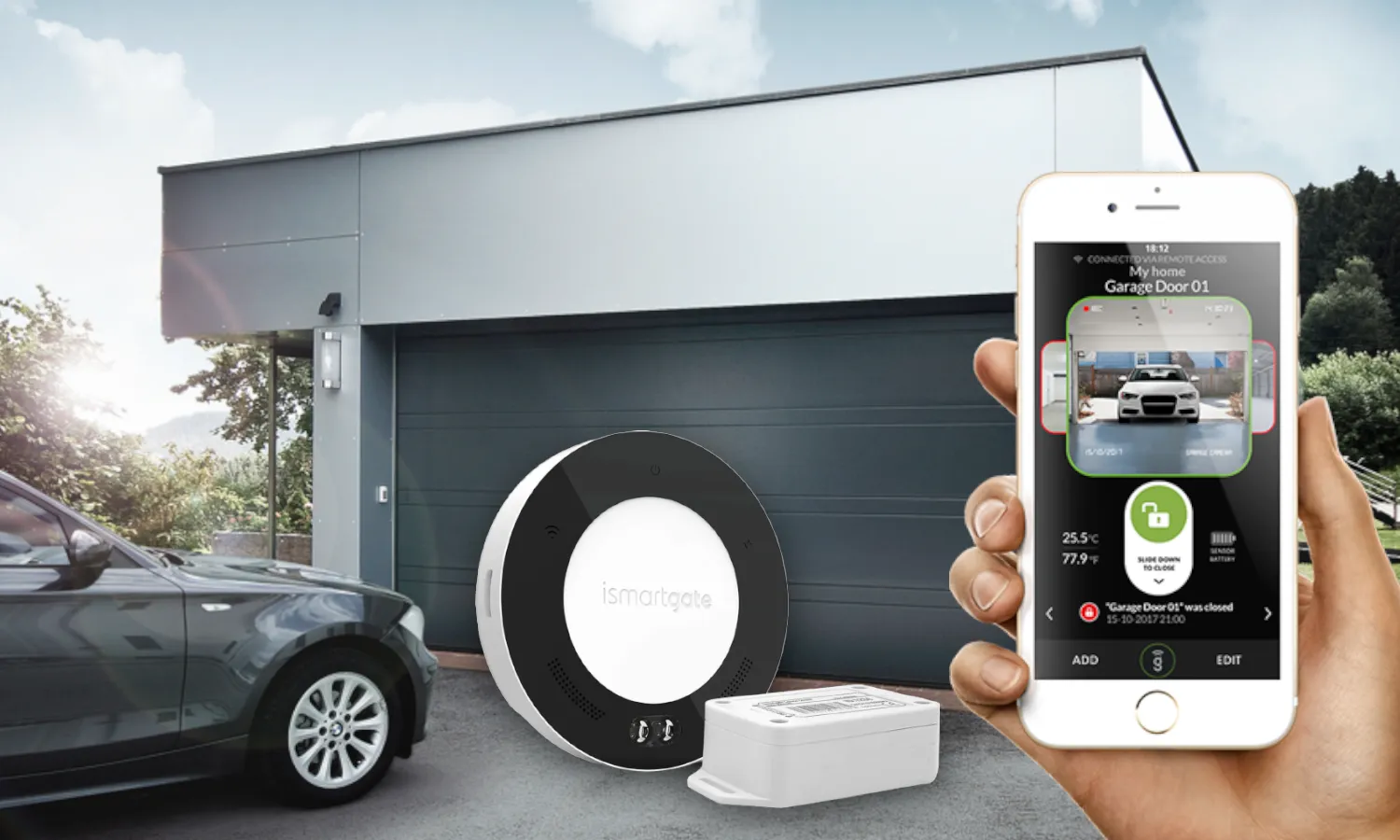
The iSmartGate PRO Garage Kit and PRO Gate Kit are built for exactly this. Control, monitor and manage up to three garage doors or gates from a single app. That makes the PRO version a fit for two quite different project types installers regularly run into: residential installations with multiple access points on one property, and commercial locations with multiple entrances.
Why PRO, and not MINI or LITE
For a home with a single garage door, the iSmartGate MINI or LITE is often enough. Once a project combines multiple access points at one location, PRO is the natural choice:
- Up to 3 doors or gates in 1 app. Practical for a home with both a garage and a driveway gate, or a site with multiple entrances.
- Wired sensor inputs (dry contact). Where LITE lacks this, PRO supports up to 3 wired sensors. Under heavy use, a wired contact sensor is more reliable and lower-maintenance than a battery-powered one.
- Expandable user management. 10 users by default, upgradable with Software Pro (11-100 users) or Software Unlimited. Relevant for a homeowners' association or a shared business building with many changing users.
- Apple HomeKit support. The only iSmartGate version with this, alongside Alexa, Google Assistant and SmartThings. For residential clients already invested in a smart home ecosystem, this is often the deciding factor.
- Automation based on time or location (via IFTTT). For example, a gate that closes automatically on departure, or stays closed outside opening hours.
Scenario 1: a home with a garage and a driveway gate
In a detached home with both a garage door and an electric driveway gate, residents often still juggle two separate remotes, with no status feedback and no way to check remotely whether everything is closed. With an iSmartGate PRO Garage Kit and PRO Gate Kit on the same controller setup, both access points come together in one app, with voice control via HomeKit, Google Home or Alexa. There's usually no outlet near the gate for the sensor. The Power Adaptor solves that without extra wiring.
Scenario 2: a business location with multiple entrances
At business locations with multiple electric entrances, for example a main entrance and a separate one for suppliers, centralized management matters even more. Multiple employees need to gain or lose access without a service visit every time. If one of the motors runs on a brand with Security+2.0 technology (identifiable by a yellow learn button, common on Chamberlain/LiftMaster), the Switch Adaptor provides compatibility without affecting the existing opener's factory warranty. With Software Pro or Software Unlimited, user management scales with the number of employees or residents.
What this means for installers
- One product line that covers both simple (MINI/LITE) and more complex, multi-access projects (PRO), for homes and business locations alike, without needing a different brand per project size.
- Compatible with virtually any existing motorized garage door or gate, no need to replace the existing motor for a smart-access project.
- Fewer recurring service visits for user management, since the end client handles this themselves through the app.
- Clear, easy-to-quote accessories (power, compatibility adaptor, sensors) per project, with no custom work.
Frequently asked questions from installers
Is the iSmartGate PRO suitable for a regular home installation, or only for commercial locations?
Both. PRO is especially relevant once a project combines multiple access points at one location, whether that's a home with a garage and a gate, or a business location with multiple entrances.
Does the iSmartGate PRO work with existing garage door and gate motors?
In most cases, yes. The PRO controller connects to the existing motor rather than replacing it. With Security+2.0 technology (yellow learn button), the Switch Adaptor is needed for full compatibility.
How many users can we manage per system?
10 users by default, expandable to 100 (Software Pro) or unlimited (Software Unlimited).
Can one iSmartGate PRO control multiple, physically separate access points?
Yes, up to 3 garage doors or gates at once from the same app, each with its own status and alerts.
Do you support installers with project quotes?
Get in touch with Secumatic B.V. for advice on the right configuration and availability for your project.